
An account based ticketing system ties every ticket, payment and boarding event to a passenger account instead of to a paper ticket or a single card. For a bus company owner, the question is less “what is it” and more “what pieces must be in place before it works”.
This guide breaks an account based ticketing system into parts you can check one by one.
We keep it vendor-neutral and we do not quote adoption numbers or savings, because they depend on your routes and your volumes. If you want the concept first, read our explainer on how account based ticketing works and come back here for the buying view.
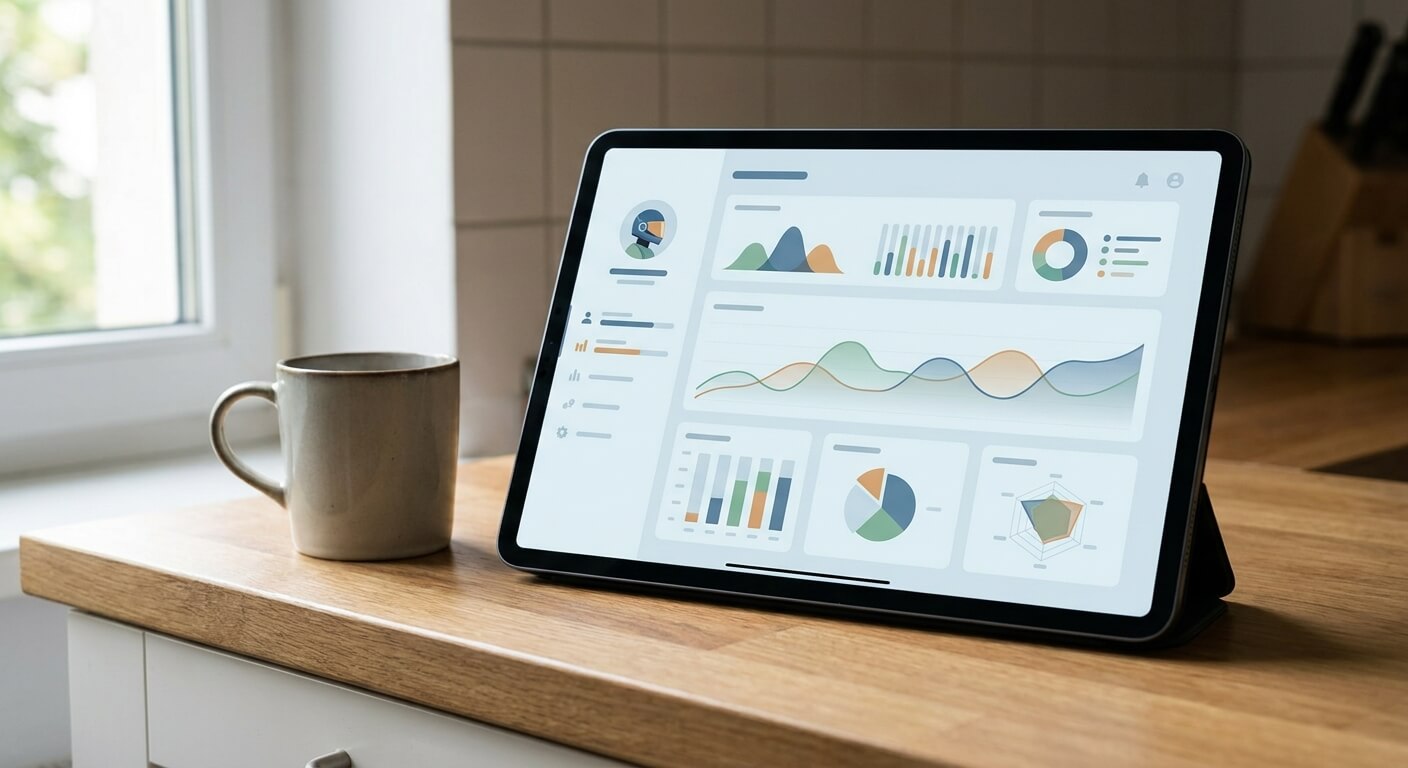
What an Account Based Ticketing System Is Made Of
Think of an account based ticketing system as a stack, not a single product. At the bottom sits the passenger account.
Above it sit the channels that sell into that account, the inventory that limits what can be sold, the validation step that proves a ticket is good, and the reports that tell you what happened.
If one layer is weak, the whole account based ticketing system feels weak. A beautiful account screen is no help when the seat count is wrong, and a fast scanner is no help when the account behind it is out of date.
The sections below go through six parts in the order a passenger meets them. For each part we list what to look for and the questions worth asking a vendor.
Part 1: The Passenger Account Record
Every account based ticketing system starts with an account record. It holds who the passenger is, which tickets belong to them, and what has happened to those tickets, such as a change, a refund or a boarding. The record is the single place your staff look when a passenger calls.
Ask how a record is created. Can a counter agent open one while selling a walk-up ticket, or must the passenger register online first? A system that forces registration at the window slows your queue on the busiest days.
Also ask what happens to a passenger who never wants an account. Most operators still serve walk-up buyers, so a practical account based ticketing system lets you sell without one and attach the ticket later if the passenger asks.
Part 2: Sales Channels That Share One Set of Data
An account is only useful if every channel writes to it. That means the counter, your own website, partner sites and any mobile sales all need to read and write the same records.
UBT describes shared APIs that sync instantaneously across all sales channels, including third party websites, and that is the kind of behavior to test for.
In a demo, sell one seat on one channel and then open another channel straight away. Does the seat disappear, and does the passenger account show the new ticket? If you have to wait or refresh by hand, the data is not truly shared.
For more on running several channels at once, see our note on bus ticket sales by channel, which shows how to read each channel in your reports.
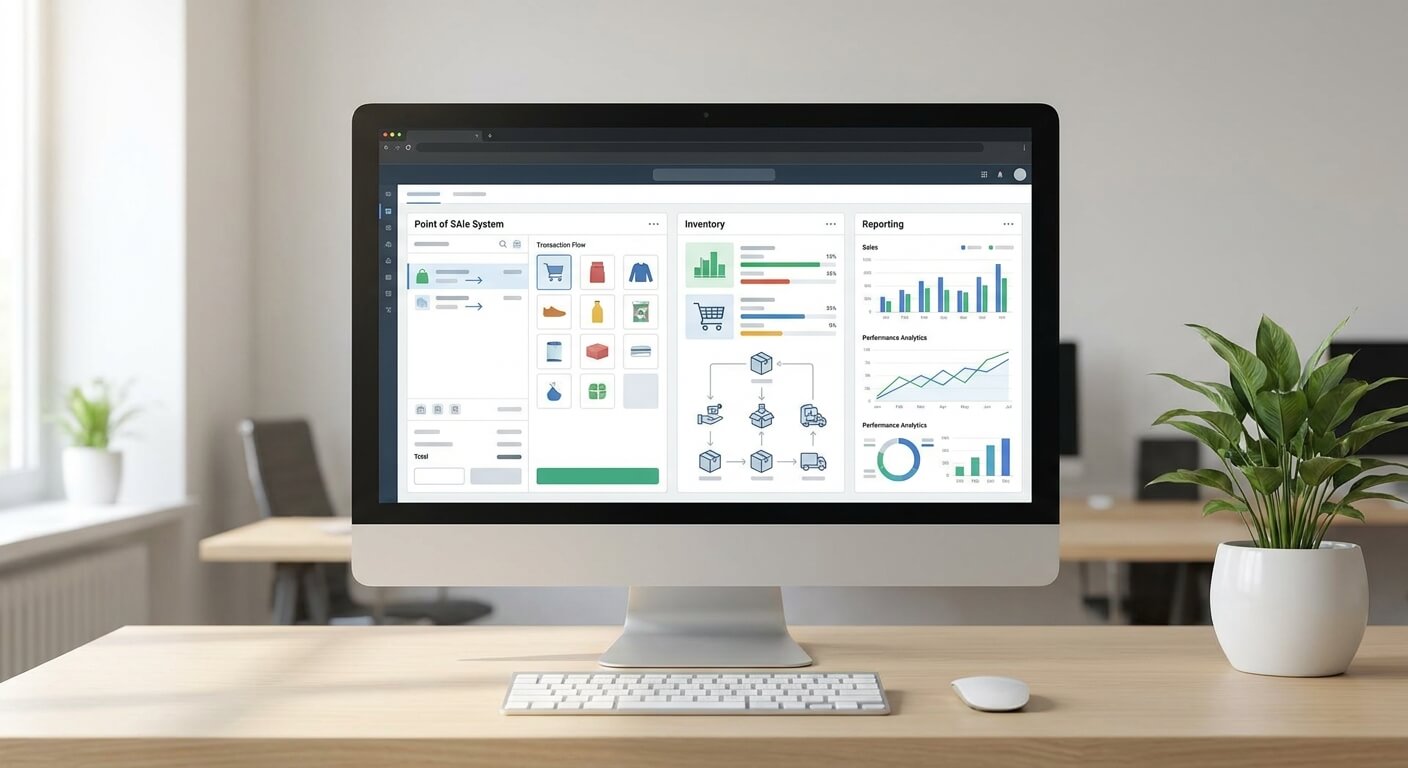
Part 3: Seat Inventory Control
Inventory is where an account based ticketing system proves itself. If two channels can sell the same last seat, no amount of account tidiness will save the trip. The point of one shared inventory is that a sale on any channel removes the seat everywhere.
Ask how a held seat behaves. Does a seat in a checkout basket stay held for a set time and then release, and who controls that time? You want control in your hands, not buried in a vendor setting you cannot see.
Ask also how schedule changes reach the account. UBT lets operators move a schedule around when a bus has a mechanical problem, and a good account based ticketing system should carry that change to every affected passenger account without hand editing.
Part 4: Validation at the Door
Validation is the moment the account meets the bus. The driver or agent checks that the ticket belongs to a real account and a real trip, and the system records the boarding. UBT lists flexible ticketing validation options, which matters because routes differ in what equipment they can support.
Test validation the way your drivers will use it. Try a ticket bought online, one bought at the counter and one from a partner, and see whether all three check in the same way.
Ask what happens with no signal. A rural stop with weak coverage is normal for many operators, so find out how the account based ticketing system behaves offline and how it catches up afterwards.
Part 5: Reporting You Can Trust
Reports are how an owner checks that the account based ticketing system is telling the truth. UBT describes real-time reporting alongside point-of-sale, validation and inventory control as one set of capabilities, and that pairing is worth copying in your own checklist.
Pick three reports you rely on today, such as daily sales, boardings per trip and sales by channel. Ask the vendor to produce each from live data during the demo, not from a slide.
Because every sale hangs on an account, you should be able to follow one ticket from sale to boarding to refund. If a report cannot show that path, the account based ticketing system is not giving you the full benefit of the account idea.
Part 6: Rewards and Refunds Tied to the Account
Accounts open two doors that paper tickets never did. The first is rewards. UBT offers a loyalty and reward program meant to retain customers by rewarding existing passengers, and an account is what makes repeat purchases countable in the first place.
The second is cleaner refunds and changes. When a ticket sits inside an account, you can see its full history before you decide, which helps with disputes. Our guide to account based ticketing versus card based ticketing explains why the account route keeps that history together.
Ask how an account based ticketing system handles a refund for a ticket bought on a partner site. The answer shows whether the channels are really connected or only look that way from the front.
How to Run a Fair Evaluation of an Account Based Ticketing System
Write your six parts into a simple scorecard and give each one a plain pass, partial or fail from your own tests. Keep the scorecard short enough that two people can fill it in independently and compare notes afterwards.
Run the same three scenarios with every vendor you consider: a walk-up sale at the counter, an online sale with a later change, and a partner sale that ends in a refund. Matching the scenarios keeps the comparison honest.
Then plan a small pilot before you commit. Our guide to the account based ticketing pilot programme shows how to pick one route and one channel so you learn without risking the whole network.
What to Prepare on Your Side
An account based ticketing system also asks things of your team. You need clean route and fare data, a clear owner for passenger records, and counter staff who are ready to explain accounts in one sentence. Most rollouts stall on these basics, not on technology.
Decide in advance which tickets must be tied to an account and which can stay anonymous. Write the rule down so counter staff do not improvise.
Finally, agree how you will judge success. Pick two or three simple measures you already track, such as seats sold per channel or queue length at the counter, and compare them before and after.
Mistakes to Avoid When Buying
The first mistake is judging an account based ticketing system by its account screen alone. The screen is the easy part, and the hard parts are shared inventory, validation and reporting. The second is skipping the offline question until your first dead-zone stop.
The third is assuming every vendor means the same thing by the same words. Ask each one to show, not describe, how a single ticket moves through the system. The fourth is rushing: a short trial on one route teaches more than a long slide deck.
Take the Next Step
An account based ticketing system is worth choosing slowly, one part at a time, with your own routes and your own scenarios. Use the six parts above as your checklist, test each one with live data and keep the pilot small.
If you would like to see how UBT approaches these parts, Technology as a Service means no cost and no obligation if you do not like it. Request a free walkthrough from United Bus Tech and bring your own checklist.