One stop ticketing solution for bus and coach operators

Category: Operations

  • Bus Ticket Refund Process: 7 Proven Rules to Stop Guesswork

    Bus Ticket Refund Process: 7 Proven Rules to Stop Guesswork

    Every operator eventually discovers that the bus ticket refund process is where support time quietly disappears. A rider cancels through one channel, disputes a fare through another, and the ticket agent who picked up the call has to reconstruct what happened before deciding what to do next.

    Multiply that by a normal week of cancellations, no-shows, and schedule changes, and refund handling becomes the slowest recurring task on the ops desk. Not because the rules are complicated, but because nothing in most bus ticketing systems writes them down in one place.

    This isn’t a training problem. Agents usually know the policy. What they don’t have is a system that already knows which record is correct, which rule applies, and what happened the last time a similar refund was handled.

    That gap is what makes the bus ticket refund process feel harder than it should be, week after week.

    Where the bus ticket refund process breaks down first

    The trouble rarely starts with the refund itself. It starts with the lookup. A booking made online carries one record, a phone booking carries another, and a walk-up sale at the counter might only exist in a register tape until someone re-enters it.

    Before an agent can even start the bus ticket refund process, they are often piecing together which record is the real one.

    That lookup step is where most of the time goes, and it happens before any judgment call about the refund amount even begins.

    If your team currently pulls up three different logs to answer one refund dispute, that step disappears once every channel writes to the same record instead of three separate ones.

    Why manual judgment slows down every bus ticket refund process call

    Once the booking is found, the harder part starts: deciding what the rider is actually owed. Should this cancellation get a full refund, a partial one, or store credit toward a future trip?

    Does the fare class purchased carry a cancellation fee, and did the rider cancel early enough to avoid it? Right now, an agent is often making that call from memory or from a printed policy sheet taped near the counter.

    That works until two agents apply the same policy differently on the same day, or until a rider who called in the morning gets a different answer than one who called in the evening.

    A bus ticket refund process that depends on individual judgment will always produce inconsistent outcomes, even when every agent is acting in good faith and trying to follow the rules as written.

    Reconciling refunds across the counter, phone, and online channels

    Even after a refund is approved, the work isn’t done.

    Someone still has to match the refunded ticket against the original sale, confirm the seat or schedule slot was released back into inventory, and make sure the accounting side reflects the reversed charge, whichever channel the money originally came through.

    Operators who run counter sales alongside phone and online booking usually end up reconciling these by hand at the end of the shift or the end of the week, cross-checking a paper log against a payment processor report against a booking spreadsheet.

    Every extra sales channel adds another version of the same reconciliation problem to sort out, and the bus ticket refund process ends up repeated three times instead of once.
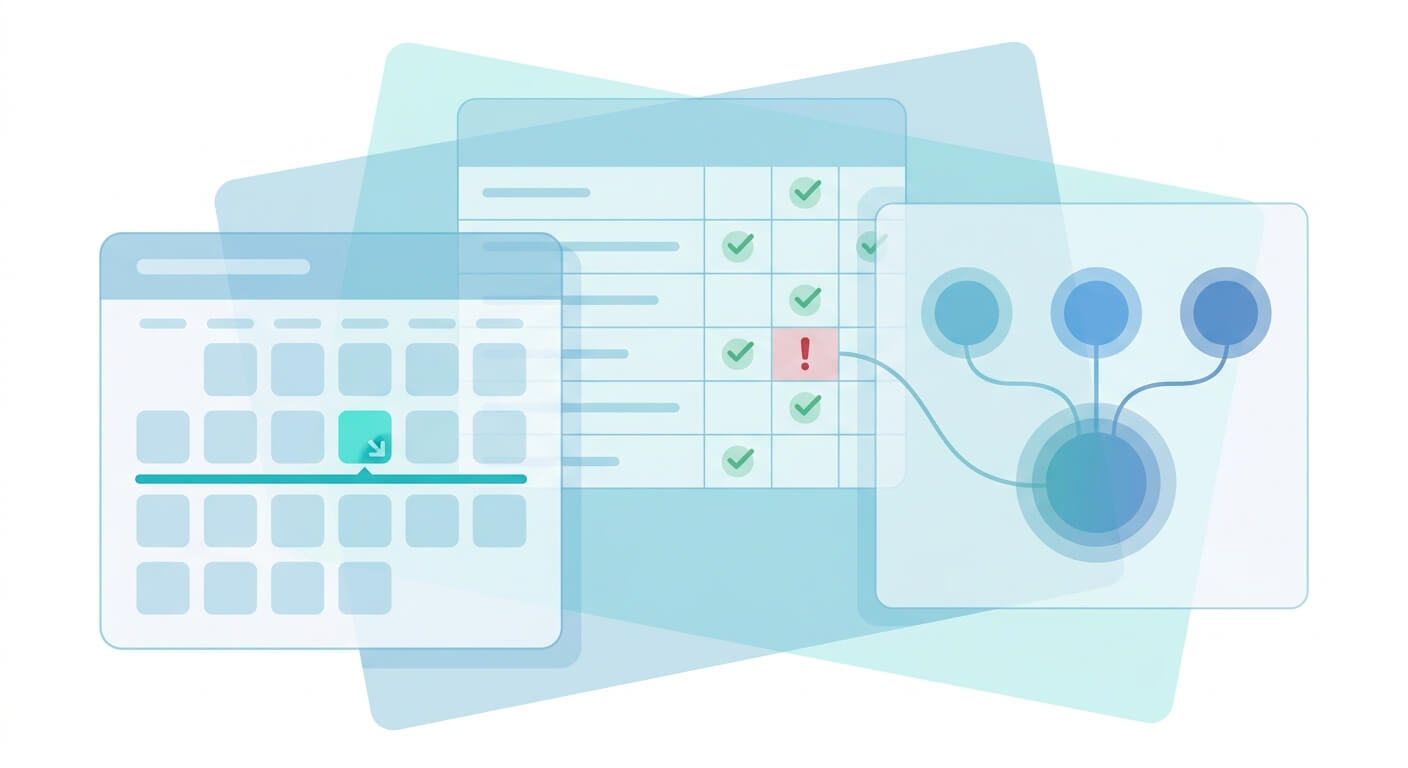
    bus-ticket-refund-process-workflow-diagram

    Turning your bus ticket refund process into rules the system enforces

    The fix isn’t asking agents to memorize policy better. It’s moving the policy into the system that already holds the booking, so the same conditions get applied the same way regardless of who is handling the call or which channel the ticket came from in the first place.

    A cutoff window is the clearest example: cancel more than a set number of hours before departure and the fare is refunded in full; cancel inside that window and a fee applies automatically.

    The purchase channel can be a condition too. A ticket bought online might carry different exchange terms than one sold at a counter, and the system can apply that distinction without an agent having to look it up manually.

    Because the seat and schedule inventory already lives in one place across online and offline sales, a refund releases that seat back into availability the moment it’s processed, instead of sitting in limbo until someone updates a spreadsheet by hand later that day.

    Handling exchanges and partial refunds without slowing down the line

    Not every request is a full cancellation. A rider might want to move to a later departure instead of a refund, or accept a partial credit rather than wait for money back to a card.

    A well-defined bus ticket refund process treats these as the same kind of rule as a full refund: a condition based on timing and channel, not a judgment call made fresh each time.

    When exchange and partial-refund conditions live in the same place as the cutoff-window rule, an agent handling a walk-up rider isn’t choosing between “look busy figuring this out” and “just wave it through.”

    The system already has the answer, and the agent’s job becomes confirming it and completing the request.

    This matters most during peak travel weeks, when call volume spikes and there isn’t time to double-check a policy sheet between calls.

    A bus ticket refund process that already accounts for exchanges, partial credit, and full refunds under one set of conditions holds up under that kind of volume instead of buckling into inconsistent answers.

    What a defensible bus ticket refund process looks like when disputes happen

    Disputes are where an undocumented process becomes a real liability. A rider claims they cancelled in time and were charged anyway. A supervisor gets asked to explain why one cancellation was refunded in full and another wasn’t.

    Without a record, the answer comes down to whoever remembers the call, and that isn’t a position you want your team defending a refund decision from.

    What holds up instead is a record of who took the action, when they took it, which rule was applied, and which channel the original ticket came through.

    That doesn’t require a fresh investigation every time a rider disputes a charge; it requires the system to log the decision at the moment it’s made, not reconstruct it afterward from memory.

    bus-ticket-refund-process-audit-trail

    Bringing the whole bus ticket refund process onto one record

    None of this requires retraining agents on a longer policy document. It requires the lookup, the rule, the inventory update, and the log entry to happen inside the same system instead of across a register, a spreadsheet, and someone’s memory of the policy from last month.

    Operators who enforce a cutoff window inside the system, rather than leaving it to an agent’s discretion, usually find that the number of policy disputes drops simply because the same answer comes out every time a rider calls in.

    That consistency is what turns a stressful weekly task into a routine one, and it’s the difference between a bus ticket refund process your team dreads and one they barely notice.

    See how a shared refund record fits your routes

    If your team is still piecing together refund decisions from a register tape, a phone log, and an online booking report, it’s worth walking through how a shared ticketing record would handle the bus ticket refund process for your specific routes and fare rules.

    Bring your current cancellation policy to the conversation and we’ll show you how those conditions would be configured. Request a walkthrough to see it applied to your fleet.


  • Bus Seat Inventory Management: 5 Proven Rules to Stop Overselling

    Bus Seat Inventory Management: 5 Proven Rules to Stop Overselling

    If you run a bus company that sells through more than one channel, bus seat inventory management is probably the operational headache nobody named until a customer showed up holding a valid ticket for a seat that was already taken.

    The seat map behind your counter, your phone agents, and your website checkout should all be reading the exact same number.

    When they aren’t, the symptom is always the same: tickets sell fine online right up until a full coach rolls up to the curb with more names on the manifest than there are seats.

    This post walks through where that gap usually opens up and what it actually takes to close it, channel by channel and schedule by schedule.

    Why Bus Seat Inventory Management Breaks Down Across Channels

    Most operators don’t sell tickets through one door. There’s a counter agent taking cash, a call center or partner agency booking by phone, and a website or app selling the same run to anyone with a card.

    Bus seat inventory management only works if all three are checking against one live count instead of three separate guesses.

    The trouble starts when each channel keeps its own version of how many seats are left. A counter agent selling paper tickets doesn’t always know that six seats sold online in the last hour.

    A partner agency reselling your seats is often working off a batch you allotted yesterday, not today’s live figure. None of this is anyone’s fault — it’s just what happens when the systems aren’t actually talking to each other.

    The fix isn’t a stricter policy telling staff to double-check before every sale. Good bus seat inventory management removes the need to double-check by making the seat count the same number everywhere it gets read.

    Signs Your Bus Seat Inventory Management Needs a Fix

    A few patterns show up again and again at operators who are still running seat counts by hand across channels. None of them mean anyone on the team is doing a bad job — they’re just what happens when the same seat map isn’t shared everywhere a sale gets made.

    • Counter staff calling or messaging someone else to confirm a seat count before finalizing a walk-up sale
    • Phone and agency bookings entered into a separate log that gets reconciled against the website at the end of the day, not in real time
    • A vehicle swap or reduced run that gets communicated to dispatch and drivers before the online seat count is updated to match
    • Refunds or exchanges that free up a seat on paper but take hours to reopen that seat for sale online
    • An oversold departure discovered at the curb rather than caught before boarding starts

    If two or more of these sound familiar, the underlying issue usually isn’t staff effort — it’s that bus seat inventory management is being handled as several separate lists instead of one shared record.

    Where Overselling Actually Starts

    Overselling rarely comes from one big mistake. It’s usually a handful of small timing gaps stacking up over a busy travel weekend. A phone booking gets written down and entered later.

    A walk-up sale at the counter doesn’t get logged until the agent has a free minute. An online booking and a counter sale land within seconds of each other for the last two seats on a popular run.

    If your counter staff currently re-enter every phone booking by hand into a separate list, that gap disappears once the same seat count is visible everywhere a sale can happen. The number drops the moment a seat is held, not whenever someone gets around to updating a spreadsheet.

    This matters most on the runs operators care about protecting: holiday weekends, event traffic, and any route where a full coach is a good problem right up until it’s the wrong kind of full.

    Bus seat inventory management that only updates once a day is fine for a quiet Tuesday and unreliable for exactly the days your revenue depends on it holding up.

    bus-seat-inventory-management-sync-across-sales-channels

    Bus Seat Inventory Management When You Swap Vehicles or Trim a Run

    Seat counts aren’t fixed. A larger coach breaks down and gets swapped for a smaller vehicle on short notice. A slow midweek departure gets folded into the next run to save a trip.

    A driver shortage forces a schedule down from three daily departures to two. Every one of these changes the number of seats that should be sellable, immediately.

    The risk isn’t the vehicle swap itself — operators handle that constantly and always have. The risk sits in the gap between when the swap happens on the ground and when the seat count catches up everywhere it’s sold.

    If the smaller vehicle goes out on the road before the online inventory shrinks to match, the system keeps selling seats that no longer physically exist.

    The same logic runs in reverse. Trimming a schedule from three runs to two doesn’t just cancel one departure — it usually means folding those passengers into the remaining runs, which changes how many open seats are left on each one.

    Reliable bus seat inventory management treats a schedule change and a seat change as the same event, not two separate updates that someone has to remember to make in sequence.

    What Real-Time Seat Sync Looks Like Day to Day

    In practice, solid bus seat inventory management comes down to one seat map that every channel reads from and writes to — the counter terminal, the agency portal, the website, and the app. A sale anywhere decrements the count everywhere else immediately, not on the next overnight sync job.

    Operators who sell through multiple channels usually find that the biggest relief isn’t a new feature to learn.

    It’s the disappearance of a manual step: no more calling the counter to check a number before confirming a phone booking, no more end-of-day reconciliation to figure out how badly the counts drifted apart.

    A multi-tenant ticketing platform that manages seat and schedule data centrally can carry a vehicle swap or a schedule change through to every sales channel at once, so the seat map on the website matches the seat map at the curb without a manual update sitting in between.

    Seat and schedule management, retail and online sales, and even driver-side ticket validation all read from that same underlying record.

    For an owner or ops manager, the practical benefit shows up as fewer phone calls asking “how many seats do we have left on the 6pm run.”

    When bus seat inventory management runs off one shared record, that answer is the same whether it’s checked from the counter terminal, an agent’s booking screen, or the website itself, so nobody has to chase down a second opinion before confirming a sale.

    bus-seat-inventory-management-dashboard-view

    Getting Your Bus Seat Inventory Management Under Control

    None of this requires ripping out how your team already sells tickets today. It requires the counter, the agents, and the website checking the same live number instead of three separate ones that quietly drift apart over a busy weekend.

    If bus seat inventory management at your company is still handled through phone calls and spreadsheets between the counter, your agents, and the website, it’s worth a conversation about what centralizing that seat and schedule data would look like for your routes.

    Reach out to United Bus Tech to talk through how your current sales channels could start reading from one shared inventory instead of several.

    A short conversation about your routes, your channels, and how often your seat counts change is usually enough to tell whether centralizing bus seat inventory management would actually help your team.

  • Sell Bus Tickets Online: 6 Proven Steps to Launch Without Losing a Booking

    Sell Bus Tickets Online: 6 Proven Steps to Launch Without Losing a Booking

    More small and mid-size bus companies are asking the same question this year: how do you sell bus tickets online without turning the counter and the phone line into a mess?

    The technology side is usually the easy part. The operational side — keeping every seat accounted for across every channel at once — is where most launches actually go wrong.

    This is not a comparison of platforms. It is the order of operations that lets an operator sell bus tickets online while the counter, the phone line, and the drivers keep working the way they already do — just connected to the same seat count.

    Why Operators Wait Too Long to Sell Bus Tickets Online

    Most operators who still take reservations over the counter or by phone are not against going digital. They are worried about what happens on day one.

    A seat sold on a website has to disappear from the counter list instantly, or somebody gets bumped at boarding — and that is the kind of mistake a rider remembers.

    Delaying does not remove the pressure, it just keeps the workload manual. If a company runs ten departures a day and takes every reservation by phone, each call ties up a staff member who could be handling exchanges, driver questions, or the walk-up line instead.

    The volume does not shrink on its own.

    Waiting for the “right” moment to sell bus tickets online usually just means waiting until a busy season forces the decision anyway, under worse conditions than a planned rollout would have offered.

    What Changes on the Ground When You Move Off the Counter

    Once you sell bus tickets online, the counter stops being the only source of truth for who is on a trip. Every channel — website, phone, walk-up — needs to check against the same seat count in real time, or you end up with two people holding a ticket for seat 14.

    This is less about the storefront and more about the inventory behind it. A seat chart that only lives on a printed sheet at the counter cannot talk to a website.

    It has to live in one system that every sales channel reads from and writes to, in real time, without a staff member re-entering anything by hand.

    sell-bus-tickets-online-fleet-parking-lot

    Six Steps to Sell Bus Tickets Online Without Breaking Your Counter Sales

    Here is the order that lets an operator sell bus tickets online while keeping counter sales running the whole time. None of these steps require ripping out what already works — the goal is to connect it, not replace it.

    1. Put every seat in one inventory pool. Connect walk-up, phone, and web sales to the same system so a seat sold at the counter disappears from the website the moment it is booked, and the reverse holds true too.
    2. Set up routes and schedules once. Enter each trip’s departure time, stops, and frequency a single time and let every sales channel pull from that same schedule instead of someone updating a spreadsheet by hand after every change.
    3. Build seat maps that match your actual fleet. If a coach seats forty-two people in a specific layout, the online seat map should match it exactly, so a rider booking online sees the same layout a driver checks at boarding.
    4. Turn on self-service refunds and exchanges. Riders will ask to change a trip long before your staff hears about it. Letting the system apply your standard refund and exchange rules automatically keeps that traffic off the phone line.
    5. Equip drivers to validate tickets at boarding. A driver checking a ticket electronically at the door, instead of matching names against a paper log, is what keeps the seat count honest once the bus actually pulls out.
    6. If you run more than one brand, keep the storefronts separate but the backend connected. A multi-tenant setup lets each brand keep its own site, look, and pricing while operations still works from one shared pool of inventory.

    Why a Multi-Tenant Setup Matters If You Run More Than One Brand

    Some operators run a single brand out of one terminal. Others run several — a shuttle brand, a charter brand, maybe a white-label service for a partner — all out of the same fleet and the same back office.

    Trying to sell bus tickets online under each brand separately, on separate tools, usually means separate spreadsheets too.

    A multi-tenant ticketing setup keeps each brand’s storefront, pricing, and branding independent for the rider, while the operations side — inventory, schedules, driver validation — stays in one place for your team.

    Nobody on staff has to remember which of five logins belongs to which brand’s booking list.

    What You Don’t Have to Give Up to Sell Bus Tickets Online

    Choosing to sell bus tickets online does not mean closing the counter or turning off the phone line. Riders who prefer to call or walk up should still be able to, and staff should still be able to book a seat manually when someone asks for help in person.

    The only real requirement is that every one of those bookings — phone, walk-up, or web — lands in the same inventory. For an operator who has run the counter the same way for years, that is the part worth hearing: the daily routine does not change so much as the plumbing behind it does.

    Mistakes That Turn an Online Launch Into a Headache

    The most common mistake is running a parallel system: keeping a paper log at the counter next to the new online store, “just in case.” That is exactly how double bookings happen, because the two records never reconcile with each other in real time.

    The second is skipping driver training on ticket validation. If a driver cannot tell an online booking from a walk-up rider at a glance, boarding slows down and disputes start piling up at the door instead of getting caught earlier, before the bus is loaded.

    The third is not testing the refund flow before launch. The first cancellation request after you sell bus tickets online should not be the moment your staff learns how refunds actually route through the new system — that is a conversation to have on a quiet day, not a busy one.

    bus-depot-waiting-hall-empty-ticket-counter

    Before You Turn On Online Sales, Check This

    Run through this list before flipping the switch on public bookings. Each item maps back to one of the mistakes above, so treat it as the last check before you sell bus tickets online rather than a formality.

    • Inventory syncs in real time across web, phone, and counter — test it by booking the same seat two ways
    • Seat maps match the physical layout of every vehicle currently in service, not just the newest one
    • Refund and exchange rules are configured in the system, not handled case-by-case by a staff member
    • Drivers have a working way to validate tickets at boarding, and have actually practiced using it
    • If multiple brands are involved, each storefront is live under the multi-tenant structure with its own pricing

    None of this requires a big-bang cutover. Most operators sell bus tickets online alongside the counter for weeks before phone volume even starts to shift, which is exactly the point — the system should absorb the new channel quietly, not force a hard switch on a single day.

    Ready to sell bus tickets online without gambling on a website that does not talk to your counter? Request a walkthrough of United Bus Technology’s ticketing system and see how inventory, seat maps, refunds, and driver validation work together before you launch.