
Bus ticketing software features are easy to list and hard to compare. Every vendor shows a long page of them, yet an owner needs only to know which ones will change the daily work of the company, and which are decoration.
This guide is written for bus company owners and operations managers. It sets out six capabilities to check before you choose, in plain operating terms. We only discuss evaluation criteria and name no competitors, and we quote no prices or performance figures.
Where we mention United Bus Tech (UBT), we use only what its site states: point-of-sale, ticket validation, inventory control, real-time reporting, shared APIs across sales channels, one-click schedule changes and loyalty rewards. Check anything else with the vendor.
What Bus Ticketing Software Features Really Mean in Daily Work
A feature is only useful if someone uses it every day. A counter agent cares about how fast a sale takes. A dispatcher cares about how quickly a schedule can change. An owner cares about whether the reports match the cash in the drawer.
So when you review bus ticketing software features, do not read the list from top to bottom. Instead, write down the five or six moments in a normal week when your team loses time or trust. Then look for the capability that deals with each moment.
This turns the list of bus ticketing software features into an evaluation framework. It also protects you from paying attention to flashy extras. A tool with fewer, well-built capabilities often serves a bus company better than one with many that nobody opens.
If you want a longer list of questions, our bus ticketing system requirements checklist goes deeper. Here, we focus on six groups of bus ticketing software features that decide most outcomes.
Six Essential Bus Ticketing Software Features to Check
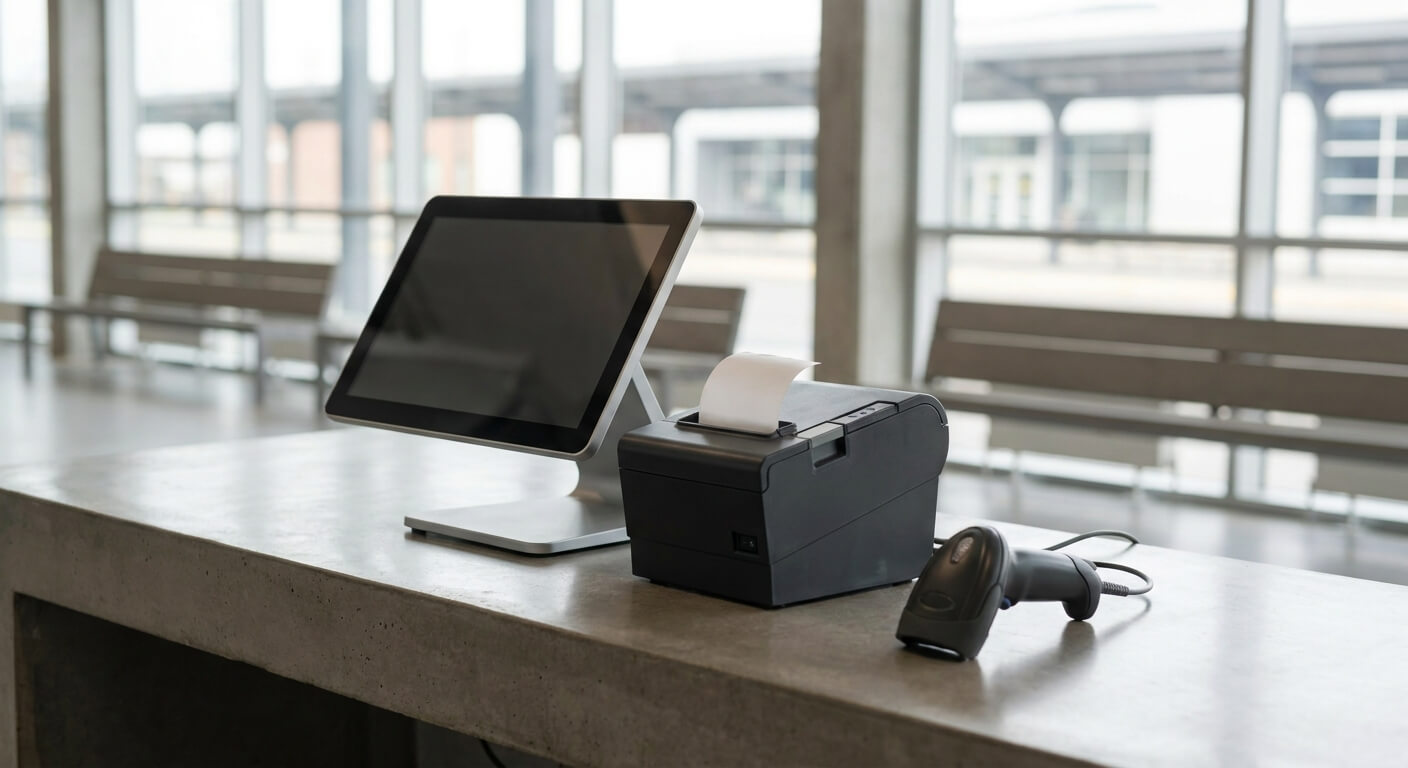
Feature one among bus ticketing software features is point-of-sale. This covers selling at the counter and by phone. Look at how many steps a sale takes, how refunds are handled and whether the agent can see remaining seats clearly. UBT lists point-of-sale as a core capability.
Feature two is inventory control. Seats, trips and vehicles should be managed in one place. Ask how holds work, how a trip is closed and how changes appear across the system. Our guide on the bus ticket POS system adds detail on the counter side.
Feature three is cross-channel sync. UBT states that its shared APIs sync instantaneously across all sales channels, including third-party websites. In a demo, sell a seat in one channel and watch the others. That one test shows more than any page of text.
Feature four is ticket validation. UBT describes flexible ticketing validation options. Ask what happens at boarding with a printed ticket, a phone screen or no connection. Our article on bus ticket validation options compares the common choices.
Feature five is schedule management. UBT states that you can cancel a bus line or move it an hour later because of a mechanical issue. Check how sold tickets are handled when a trip moves, and how passengers are told.
Feature six is reporting. UBT lists real-time reporting alongside point-of-sale and inventory control. Ask which reports exist, who can see them and whether they match the drawer at the end of the day. Reports you cannot trust are worse than none.
Bus Ticketing Software Features That Help You Grow
After the basics, look at capabilities that help you keep and win customers. UBT lists a loyalty and reward program, with the stated aim of encouraging repeat purchases and rewarding existing passengers. This only works if your sales records are accurate.
Passenger communication is another area. UBT lists automated SMS boarding reminders and ETA tracking, and fleet tracking for passengers and management. These features reduce questions at the counter and make delays easier to manage.
Think too about how bus ticketing software features fit your plans. If you may sell through partners, run several brands or add new routes, ask how the software handles that growth. Our guide on bus ticketing API integration explains the questions to ask.
The UBT site does not describe every integration or certification a company might want. If your plan depends on a specific one, ask for it in writing before you decide. A feature that is not confirmed should be treated as not available.

How to Test Bus Ticketing Software Features Before You Commit
Make a short test script for bus ticketing software features with real cases from your own business. Include a normal sale, a refund, a seat sold on two channels at once, a trip that moves and a day-end report. Run the same script with every vendor you consider.
Involve your team. Ask a counter agent and a dispatcher to try the demo. Their reactions tell you whether bus ticketing software features are easy in practice, and they will be the ones who live with the choice.
Ask about the start of a trial before judging bus ticketing software features. UBT states on its site: “Free and no obligations at all! We provide Technology as a Service.
If you do not like it, there will be no cost and obligations to you.” The site does not state a trial length, so confirm it.
Prepare questions in advance. Our list of questions to ask in a bus ticketing software demo is a good starting point. Take notes during the demo and compare them side by side afterwards.
Score each of the bus ticketing software features on a simple scale: works as needed, works with effort, or missing. Add up the results only after you have seen each feature in action. Do not give credit for items that were described but not shown.
Keep a short list of dealbreakers among bus ticketing software features. A system that cannot sync your sales channels or cannot validate tickets without a connection may be wrong for you, however attractive the rest looks. Decide this before the demo, not during it.
Consider the cost of change as well. Switching systems means moving routes, fares and habits, so ask how the vendor helps with the move. Our guide on bus technology as a service explains why a service model can keep that move lighter.
Look at support in the same way as you look at bus ticketing software features. Ask who answers when a problem appears on a Saturday morning, and how you can reach them.
The UBT site does not state support hours or response times, so request them in writing, because bus ticketing software features are only as good as the help behind them.
Finally, think about training. A feature that needs a long course will be skipped in a busy week. During the demo, note how many steps a new agent needs for a first sale, and ask whether your own staff could repeat it after a short session.
Compare notes on bus ticketing software features within your team before you decide. Counter agents, dispatchers and managers see different parts of the work, and each will notice different gaps. A short meeting after the demos, with the scoring sheets side by side, often settles the choice.
Bus ticketing software features matter only through the problems they solve. Check point-of-sale, inventory, cross-channel sync, validation, schedule control and reporting first, then look at growth features such as loyalty rewards and passenger messages.
To discuss which bus ticketing software features fit your operation, request a conversation with United Bus Tech and bring your own test script.