
If you’re evaluating a bus ticket POS system for your counter, your drivers, or a self-service kiosk, the touchscreen and the receipt printer are not the part that decides whether the purchase pays off.
The part that decides it is whether that bus ticket POS system reads and writes the exact same seat inventory as your website.
When the counter runs on one inventory and the online channel runs on another, you get two failure modes at once: seats sold twice, and cash nobody can trace back to a ticket.
This article is written for operators running or shopping for a bus ticket POS system — not for passengers.
We’ll walk through what the counter, driver, and kiosk sides of ticketing actually need to do, why split inventory is the root cause of both overselling and unaccounted cash, what hardware options exist, and what to ask a vendor before you sign.
What a Bus Ticket POS System Actually Has to Cover
A bus ticket POS system is not just a card reader bolted to a counter. Point-of-sale, ticket validation, inventory control, and real-time reporting need to work as one connected service, not four separate tools an agent has to reconcile by hand at the end of a shift.
A properly built bus ticket POS system covers five distinct selling scenarios: online, offline/counter, self-service kiosk, onboard (driver-sold), and storefront.
It should be able to sell intercity round-trip tickets, tour and event tickets, casino shuttle tickets, and airport shuttle tickets from the same interface, whether that’s a counter agent’s screen, a driver’s handheld, or a kiosk in the terminal.
If your operation runs intercity line-haul, local fixed-schedule commuter routes, airport shuttles, university shuttles, casino shuttles, on-demand sightseeing, seasonal service for county fairs and sporting events, or charters, the same point-of-sale logic applies across all of them.
The business model changes; the requirement that every channel see the same seat map does not.

Why Split Inventory Is the Real Risk Behind Overselling and Cash Leakage
Here’s the pattern worth building the whole evaluation around: if your counter, your onboard driver sales, and your kiosk each hold their own copy of seat availability instead of reading the same live inventory as the website, two things go wrong at once.
A seat sold at the counter at 9:05am can get sold again online at 9:06am, because neither system knew about the other’s transaction. That’s overselling, and it shows up as an angry passenger at the door, not as a line item you can budget for.
The second failure is quieter and more expensive: fraud and leakage. If a driver or counter agent can sell a ticket off a disconnected system, there’s no shared record forcing that sale back into the same reporting stream as everything else.
Cash goes unaccounted for, the same seat can be sold twice for two separate cash payments with no audit trail catching it, and by the time anyone notices, the shift that caused it is long over.
A shared API that syncs instantly across sales channels — online, counter, kiosk, and onboard, plus any third-party sites you distribute through — is what closes both gaps at once.
Airline-style dynamic inventory management, with full visibility into current and future seat availability, means every channel reads and writes against one number, not four separate guesses.
That’s the core job of a bus ticket POS system worth paying for: it removes the possibility of two channels disagreeing about what’s still for sale.
If your counter still runs off a separate spreadsheet or a standalone card terminal that never talks to the booking site, that gap is where both overselling and cash leakage come from. It’s worth treating as the first thing to fix, not a nice-to-have layered on later.
Payment Methods a Bus Ticket POS System Needs at the Counter
At the point of sale, agents need to accept whatever a passenger is holding, without a workaround. That means VISA, Mastercard, AMEX, and Discover, plus PayPal, Google Pay, and Apple Pay.
Contactless payment through Apple Pay, Google Pay, and Samsung Pay speeds up the counter line and reduces the amount of time an agent spends fumbling with a chip reader.
Cash still matters at most counters and onboard, and a bus ticket POS system should support it — enabled per operator’s needs, with biometric access control on the drawer or device for security.
Loyalty points, gift cards, and coupons should redeem at the same counter screen as a credit card, and the system should support real-time rebooking and cancellation without a manager override for every routine change.
POS Hardware for the Counter, the Driver, and the Kiosk
Hardware choice for a bus ticket POS system depends on where the sale happens. For a countertop agent station, a unit like the PAX E700 — a 12.5-inch IPS touchscreen with a PCI PTS-certified payment module — covers a fixed ticket window well.
For a driver selling onboard or an agent who needs to move, a handheld like the PAX A920 pairs a camera, a high-speed thermal printer, and a large-capacity battery in one Android tablet-and-terminal unit.
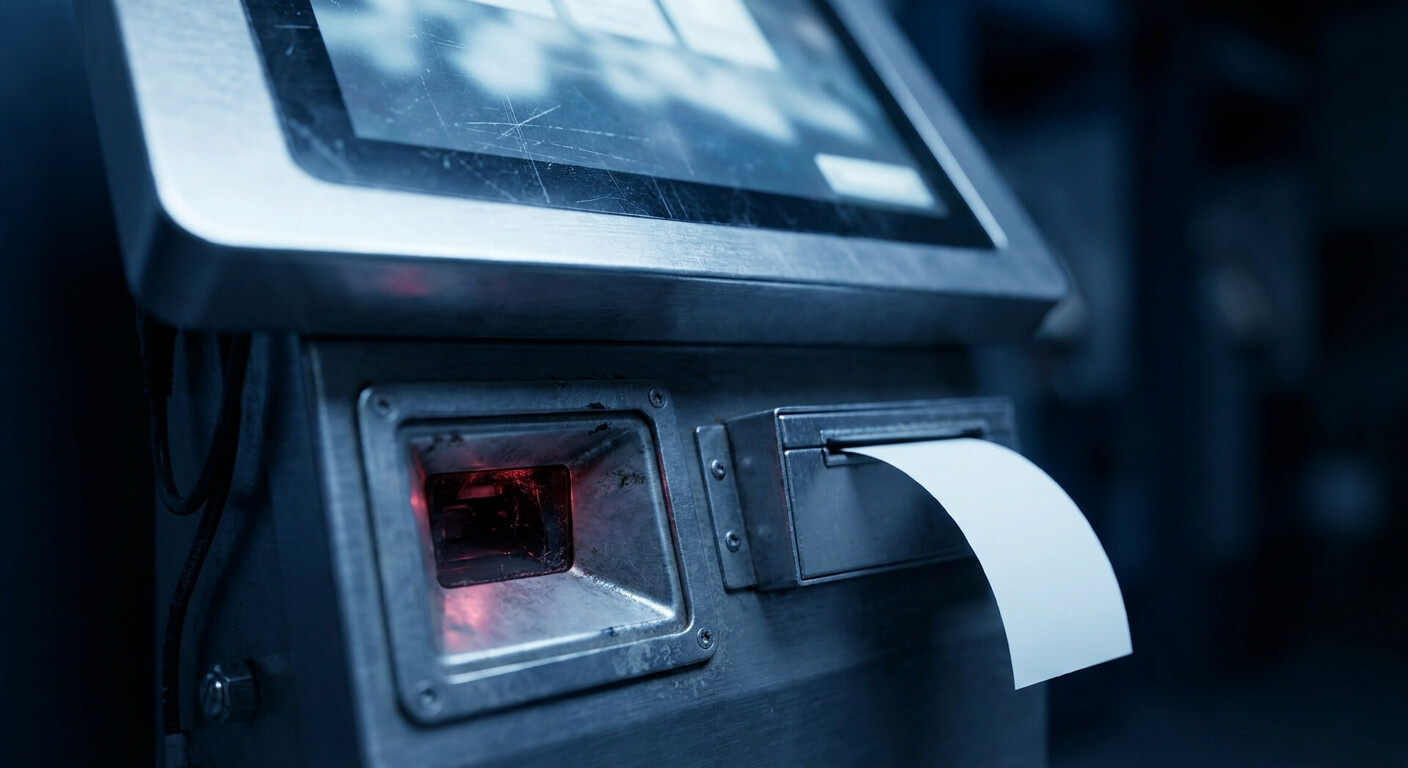
For self-service, the K1 kiosk gives passengers a 21.5-inch 1920×1080 touchscreen with a jam-resistant SEIKO 80mm thermal printer and a built-in barcode scan station, so a ticket bought online can be reprinted or validated on the spot.
For rougher conditions — outdoor stops, damaged or dirty barcodes, heavy daily handling — the SUNMI L2 is an industrial-grade handheld with a Zebra 1D/2D scan head, a 5-megapixel rear camera with flash, a 5000mAh battery, and an IP67 rating.
None of that hardware matters on its own. The reason to line it up against a shared-inventory bus ticket POS system is so a ticket sold on the PAX A920 in a driver’s hand shows up instantly as sold everywhere else — not just on that device until someone syncs it later.
Ticket Validation and Fraud Control at the Point of Sale
Validation is the other half of fraud control, and it works in tiers. The simplest is a manual visual check — an agent or driver looking at a printed or on-screen ticket. The next tier is a QR-code scanning app on a phone or handheld, which at least logs that the scan happened.
The strongest tier is mobile-based contactless ticket validation through an onboard automated validator device, which speeds up boarding and closes the gap a manual check leaves open — a ticket that’s already been validated once can’t quietly get reused.
Pairing validation tier with route risk is a practical way to decide: a low-value local commuter run may only need a QR scan, while a higher-fare intercity or event route benefits from the automated validator.
Whichever tier you choose, validation should plug into the same bus ticket POS system as counter, kiosk, and onboard sales — not run as a separate app with its own log that nobody reconciles against the seat map.
Reporting and Reconciliation Across Every Channel
Real-time ticket sales data from a bus ticket POS system, plus detailed reports for finance and marketing, only mean something if counter, kiosk, and onboard sales feed the same report as the website.
Otherwise, reconciliation turns into someone manually cross-checking receipts against a spreadsheet at month’s end.
A bus ticket POS system that reports every channel into one place also lets you see passenger purchase history and buying habits without stitching data together from four sources.
Unified SMS and email notifications from the back office, sent consistently no matter which channel sold the ticket, close another gap: a passenger who bought at the counter should get the same confirmation and change notices as one who bought online.
That consistency is also what makes an audit trail actually trustworthy when you need to check where a specific sale came from.
Questions to Ask Before You Commit to a Bus Ticket POS System
Ask directly whether counter, onboard, and kiosk sales write to the same inventory as the online channel in real time, or whether they sync on a delay — that delay is exactly where overselling happens.
Ask how cash sales get logged and reconciled, and whether biometric access control is available on the drawer or device.
Ask what custom front-office and back-office development costs — with United Bus Tech, that work is free with no strings attached, as is native iOS and Android app development, though listing and maintaining both apps in the app stores runs $100 a month combined.
That’s the kind of detail worth getting in writing before you commit, not after.
United Bus Tech calls its approach “Technology as a Service” for a reason: a bus ticket POS system should keep evolving with your counter, your drivers, and your kiosks, not lock you into hardware and software that stopped changing the day you signed.
If your counter, onboard, and kiosk sales still aren’t reading the same inventory as your website, that gap is worth closing before it costs another oversold seat or an unexplained cash shortage.
Request a walkthrough of a bus ticket POS system built on one shared inventory and see how it maps onto your setup.