
Bus station ticketing software lives or dies by the shift. A station window has a rhythm: the counter opens, the first departures board, queues build and fade, and someone has to close the books at the end. Software that fits that rhythm saves staff from a hundred small decisions.
This guide is for the owner or station manager of a bus company. Instead of a feature list, it follows one counter shift from opening to handover and shows what the software has to support at each point.
We do not quote customer counts or performance figures, because UBT has not published them. Examples use simple conditions that you can replace with your own.
What Bus Station Ticketing Software Has To Cover In A Shift
Bus station ticketing software has to work differently from an online store. People arrive in person, often in a hurry, and many pay at the window. Staff handle sales, questions, changes, and boarding in the same hours.
UBT’s site describes its point of sale as covering four things together: point of sale, ticket validation, inventory control, and real-time reporting.
Those four are a handy outline for a shift. Selling, checking, counting, and reporting all happen at a station window, usually within minutes of each other.
For a wider look at the terminal side, our guide to a bus terminal ticketing system covers the larger setup. This article stays at the window and follows the order of a typical day.
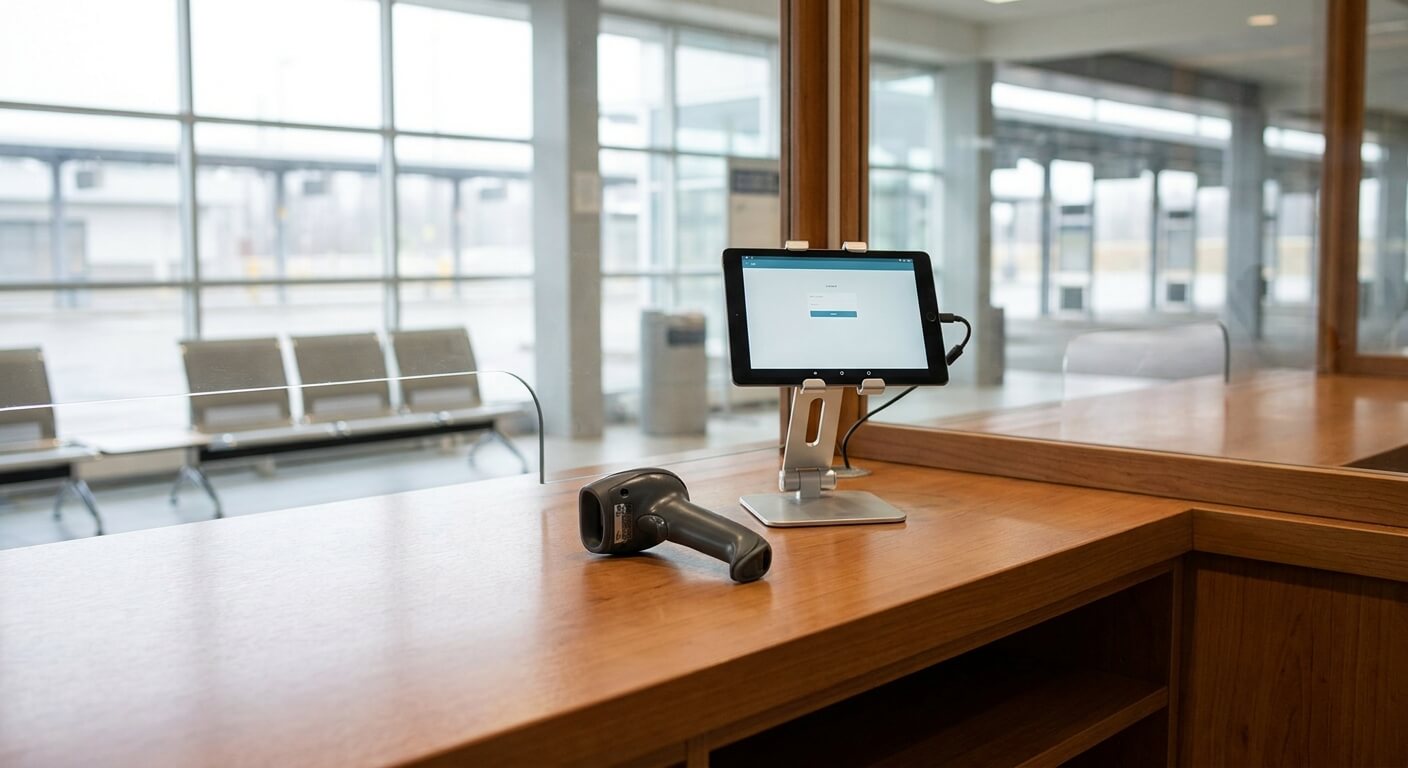
Six Practical Steps For Bus Station Ticketing Software
Here is the shift in six steps, and each one tests your bus station ticketing software. For each one, the point is what the bus station ticketing software has to make easy, and what goes wrong when it does not.
- Step 1: open the counter and confirm the day’s departures.
- Step 2: sell and change tickets at the window.
- Step 3: validate riders as they board.
- Step 4: watch seat inventory as departures fill.
- Step 5: handle changes when a departure moves.
- Step 6: close the shift and hand over the numbers.
Opening The Counter
The shift starts before the first customer. The agent needs to see which departures are running today, how many seats are open, and whether anything changed overnight. If the picture is out of date, the first customer meets the problem.
This is where bus station ticketing software earns its keep early. Online sales happen all night, so the window must start from the same inventory as the website. UBT’s site states that its shared APIs sync instantaneously across all sales channels, including third party websites.
A short opening routine helps. Check the departure list, check any notes about delays, and confirm the cash drawer or payment terminal. The software should make the first two a single glance.
Selling And Changing Tickets At The Window
The window is where speed matters. A line of people does not care about features, only about how long it takes to get a ticket. The sale screen should show departure, seats, and payment without detours.
Changes are the harder case. A rider wants the next departure instead of this one, or a different date. The agent should be able to find the original sale, make the change, and see the new seat in the same place.
Refunds are part of the window too. Any rules come from your own company policy, but the software should make it easy to match a refund to the sale. Our guide to bus ticket reconciliation shows why that matching matters at the end of the day.

Validating Riders At Boarding
Selling is half the job. The other half is checking the right people onto the right bus. At a busy station, boarding can be as busy as the window, with staff working a queue at the door of the coach.
UBT’s site lists flexible ticketing validation options to meet your needs. For bus station ticketing software, flexible means the check can be adapted to the setting. A handheld scan, a manifest, or a manual lookup might each suit a different departure.
Our guide to bus ticket validation options compares the approaches. Whatever you choose, validation should write back to the same record as the sale, so the count of boarded riders is always known.
Watching Seat Inventory As Departures Fill
A station manager needs to know when a departure is nearly full. That decides whether to hold the window open, point walk-up riders to the next departure, or call for an extra coach. The decision cannot wait for a report at the end of the day.
This is the inventory control part of the POS. In bus station ticketing software, the seat count has to be live. A count that lags behind the website leads to oversold seats and an awkward conversation at the door.
If a company runs a departure every 30 minutes, as a simple example, one late update can leave two departures looking different from what customers see. The number is only an illustration. Our guide on how to stop overselling bus seats explains the mechanism.
When A Departure Moves
Things change during a shift. A coach comes in late, a mechanical problem pushes a departure back, or a route is cancelled. The window is where the news lands first, because riders are standing there.
UBT’s site describes this exact situation: need to cancel a busline, or move it an hour later due to mechanical issues? It states that UBT allows you to move your schedule around. At a station, the useful part is that staff can act once and have the window, website, and partners agree.
Tell people quickly. A notice at the window, a message to booked riders, and a clear answer from staff stop a delay from turning into a crowd. Bus station ticketing software should make the first step easy, so staff can spend their effort on the people in front of them.
Training New Agents On Bus Station Ticketing Software
Stations rely on seasonal and part-time staff, so the software has to be learnable in a short time. A new agent should be able to sell, change, and close a shift after a walk-through, not after weeks of practice.
Write the shift as a one-page checklist and let the new agent follow it with the bus station ticketing software open beside them. Where they stall, the screen or the process needs work. That feedback is worth more than any feature list.
Pair new agents with an experienced one for the first busy departure. Watch which questions come up twice. Those questions point to a missing label, a hidden step, or a rule your team never wrote down.
Closing The Shift And Handing Over
The end of the shift is where small errors show up. Cash does not match sales, a refund was not recorded, or a rider boarded without a record. The earlier steps decide how painful this one is.
UBT’s POS lists real-time reporting as one of its four core capabilities. For the window, the shift close should show sales, refunds, and boarded riders on one screen.
Handover should be short in any bus station ticketing software. The next agent should see open issues, such as a delayed departure or a pending change, without needing a long conversation. Good bus station ticketing software turns handover into a glance.
Questions To Ask About Bus Station Ticketing Software
Bring these to any demo and ask the vendor to show each one with a real shift in mind. The goal is to see whether the software fits a counter, and not only a brochure.
- Does the window start the day from the same inventory as the website?
- Can an agent change a ticket without leaving the sale screen?
- Can boarding checks write back to the same record as the sale?
- Does the shift close show sales, refunds, and boarded riders together?
- Can I try the system before committing?
On the last point, UBT’s site says it is free and with no obligations at all. It provides Technology as a Service, and if you do not like it, there will be no cost and obligations to you.
Want to see how bus station ticketing software would run one of your counter shifts? Request a walkthrough from United Bus Tech and bring your busiest station as the example.