
A bus ticket POS machine is the piece of equipment a counter agent actually touches all day. Choosing one looks like a hardware decision, but most of what goes wrong later is about software, support, and how the machine fits the way a bus company sells.
This guide helps an owner ask better questions first.
It is written for the owner or operations manager of a bus company. It does not recommend a device or promise hardware from any vendor. It covers what a bus ticket POS machine needs to do, the choices between fixed and mobile setups, and the questions worth asking before you buy.
A useful starting point is to separate the machine from the system behind it. The screen, printer, and cash drawer are only the front end. The routes, fares, seat inventory, and reports all live in the ticketing system that the machine talks to.
What A Bus Ticket POS Machine Needs To Do
At the basic level, a bus ticket POS machine sells a ticket, takes payment, and prints or sends the result. In a bus business it also has to know which departure is being sold, how many seats remain, and what fare applies. That is more than a retail till can manage on its own.
UBT lists its point-of-sale capabilities as Point-of-Sale, Ticket Validation, Inventory Control, and Real-time Reporting. Those four are a useful frame for judging any bus ticket POS machine, because each one is something a counter or a driver relies on during a normal day.
Selling is the obvious one. The agent should be able to find the right departure quickly, sell the seat, and handle a refund or exchange without leaving the screen. Slow steps at the window become a line, and a line becomes a missed departure.
Validation is the next. A ticket sold at the counter must be recognised at the door. UBT describes flexible ticketing validation options to meet an operator’s needs, so it is worth asking how a sale at one device is checked at another.
Inventory and reporting complete the picture. A bus ticket POS machine that cannot see live seat counts invites overselling. One that cannot report in real time leaves the owner waiting for the end of the day to learn what happened.
Fixed Counter Or Mobile: Choosing A Bus Ticket POS Machine
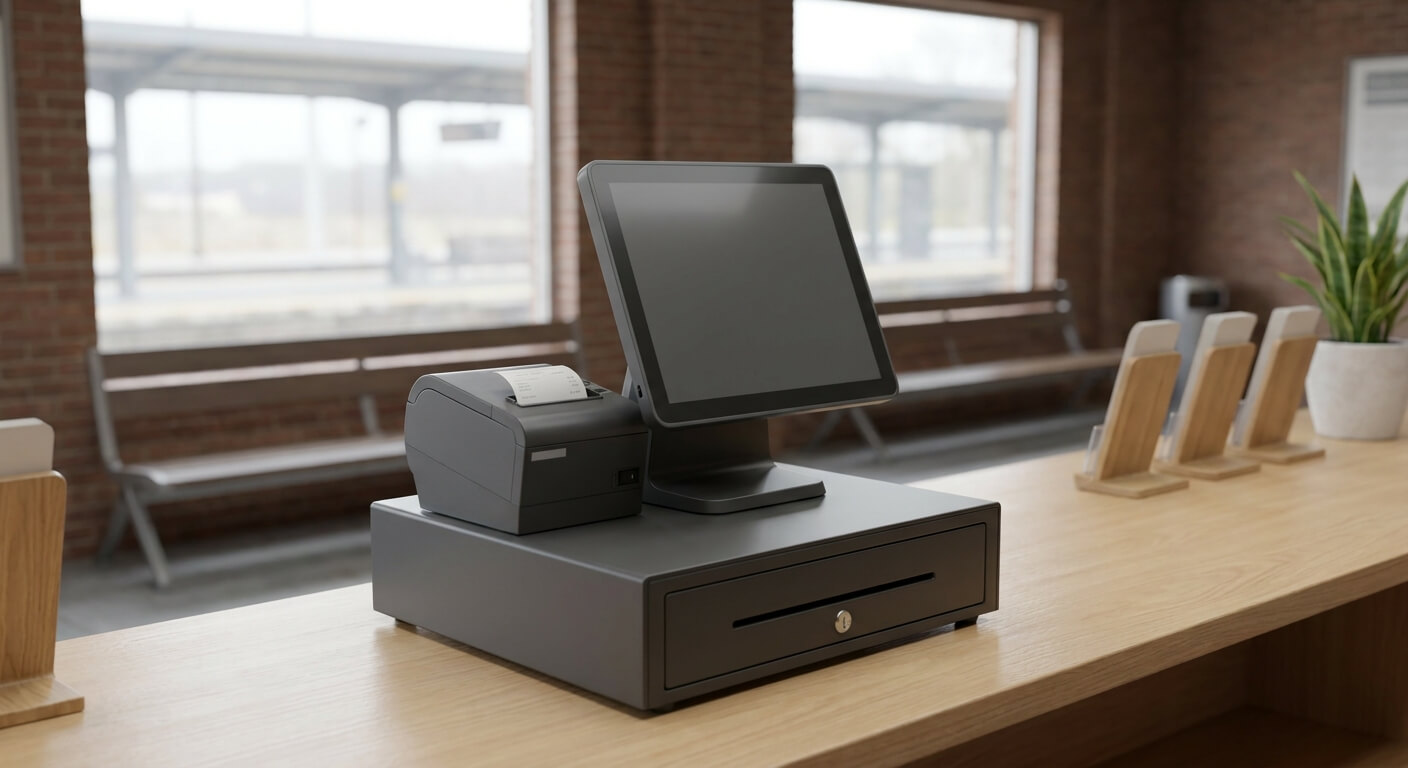
A fixed bus ticket POS machine suits a staffed counter or a depot. It sits in one place, usually with a larger screen, a receipt printer, and a cash drawer. Agents get comfortable with it quickly, and it is easy to supervise.
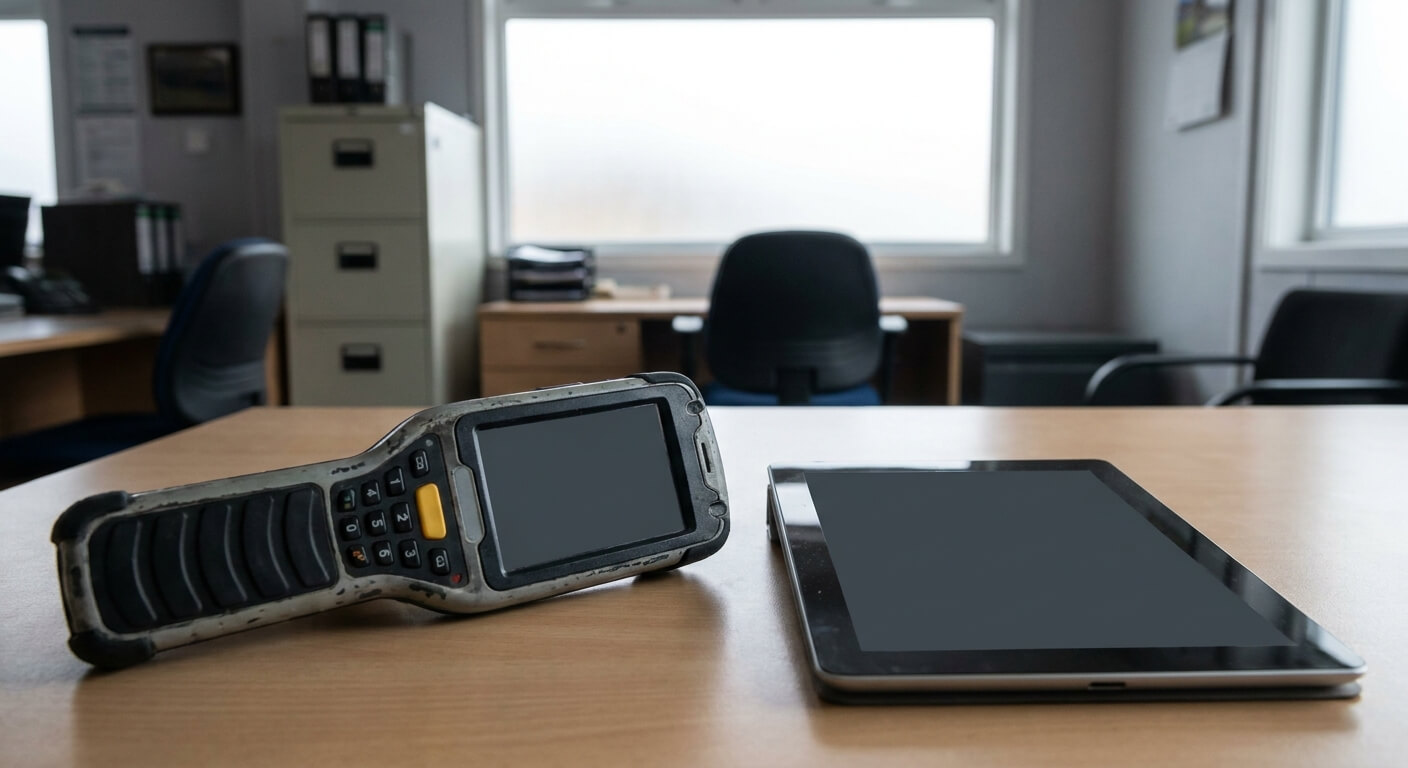
A handheld or tablet-based setup suits selling away from the counter. That might be at a curb, in a parking lot, or on the platform while a line forms. It lets an agent move to the customers instead of the other way round.
Many operators end up with both. The counter handles the steady flow and cash, while a mobile device handles the peak at departure time. The question is not which is better, it is which jobs your operation has and where each one happens.
Whichever you choose, ask whether both connect to the same live inventory. A seat sold on a handheld at the curb should disappear from the counter screen at once. If two devices keep separate counts, you have recreated the overselling problem on your own platform.
Think about the environment as well. A counter in a heated station has different needs from a curb in winter or a depot in summer. Ask how a bus ticket POS machine copes with glare, cold, dust, and a long shift, and whether the screen is easy to read for an agent who is standing.
Power and space matter too. A fixed bus ticket POS machine needs room for a printer and a drawer, and a mobile one needs a charging routine. Small details like these decide whether agents like the equipment or work around it.
Six Questions To Ask Before You Buy A Bus Ticket POS Machine
These questions are meant for any vendor and should be answered in writing. Where UBT has not published a detail, we say so, and the right move is to ask the team directly instead of assuming.
First, does the machine work with the ticketing system you plan to use, or is it a separate product? A device that does not connect to your inventory becomes a place where numbers are re-typed.
Second, what happens when the connection drops? Counters and depots do not always have perfect internet. Ask what an agent can still do and how sales are reconciled once the connection returns.
Third, who supplies and supports the hardware? UBT’s site does not state its hardware arrangements, so this is a question to raise early. Ask who replaces a failed printer or screen, and how long a counter can be without one.
Fourth, how are staff accounts handled? Each agent should sign in under their own name so reports show who sold what. Ask about permissions for refunds, voids, and schedule changes.
Fifth, what does the full cost look like? Ask about hardware, software, and support separately, and write down any figure with its conditions. Do not rely on a single headline number.
Sixth, can you try it first? UBT states that there is no cost and no obligations if you do not like the service. A test on one route and one counter tells you more about a bus ticket POS machine than any specification sheet.
How The Machine Fits Into The Rest Of Your Operation
A bus ticket POS machine is only one channel. If you also sell online or through third party websites, the counter should see the same seats. UBT states that its shared APIs sync instantaneously across all sales channels, including third party websites.
Our guide to selling across several channels without double-selling seats explains why that matters. The counter is often where a conflict is discovered, usually in front of a customer, which is the worst place to find it.
The same point applies to schedule changes. UBT’s own example is that you can cancel a busline or move one an hour later due to mechanical issues. Whatever machine you choose, the agent should see the change on the screen straight away.
It also helps to think about the people. Agents who are new to a system need time on the machine before the first busy day. Our article on training staff on a new ticketing system lists what to cover.
Finally, think about the end of the day. The machine produces the records that reconcile against the cash in the drawer. Our checklist of five capabilities every bus POS needs is a good companion when you compare options side by side.
A Short Checklist For Choosing A Bus Ticket POS Machine
List the places you sell today and the places you want to sell. Decide whether each needs a fixed device or a mobile one. Confirm that every device sees the same live inventory.
Ask what works offline, who supports the hardware, and how staff accounts are set up. Ask for costs in writing, with their conditions. Test one counter and one route before you commit the rest.
A bus ticket POS machine should make the counter faster and the numbers clearer, not add another place to type. If you want to talk through your own counters and routes, request a walkthrough from United Bus Tech and bring your list of questions.