
Event shuttle scheduling software is what keeps a busy event day from turning into a phone call marathon. When a festival, conference, or game sends thousands of people to one place in a short window, the schedule is never final. It changes while the day is running.
This guide is for the owner or dispatcher of a bus company that runs event shuttles. It focuses on one part of the job: building a multi-departure schedule and changing it safely at the last minute. Booking and corporate contracts are covered in other articles.
We do not quote customer numbers or performance figures, because UBT has not published them. Examples use simple conditions that you can replace with your own.
Why Event Shuttle Scheduling Software Is Different
A regular route has a timetable that stays stable for months. An event shuttle has a timetable that exists for a day or a weekend, and demand is lumpy. Many people arrive early, nearly everyone leaves at once, and some departures fill while others run light.
That shape makes a spreadsheet risky. Event shuttle scheduling software needs to handle many short departures, repeated loops, and sudden changes without losing track of who is booked on what.
It also has to serve two audiences. The dispatcher needs a clear picture of every departure, and the passenger needs a simple answer to when the next shuttle leaves. If the two views disagree, you get queues and complaints.
Plan The Departures Before Event Day
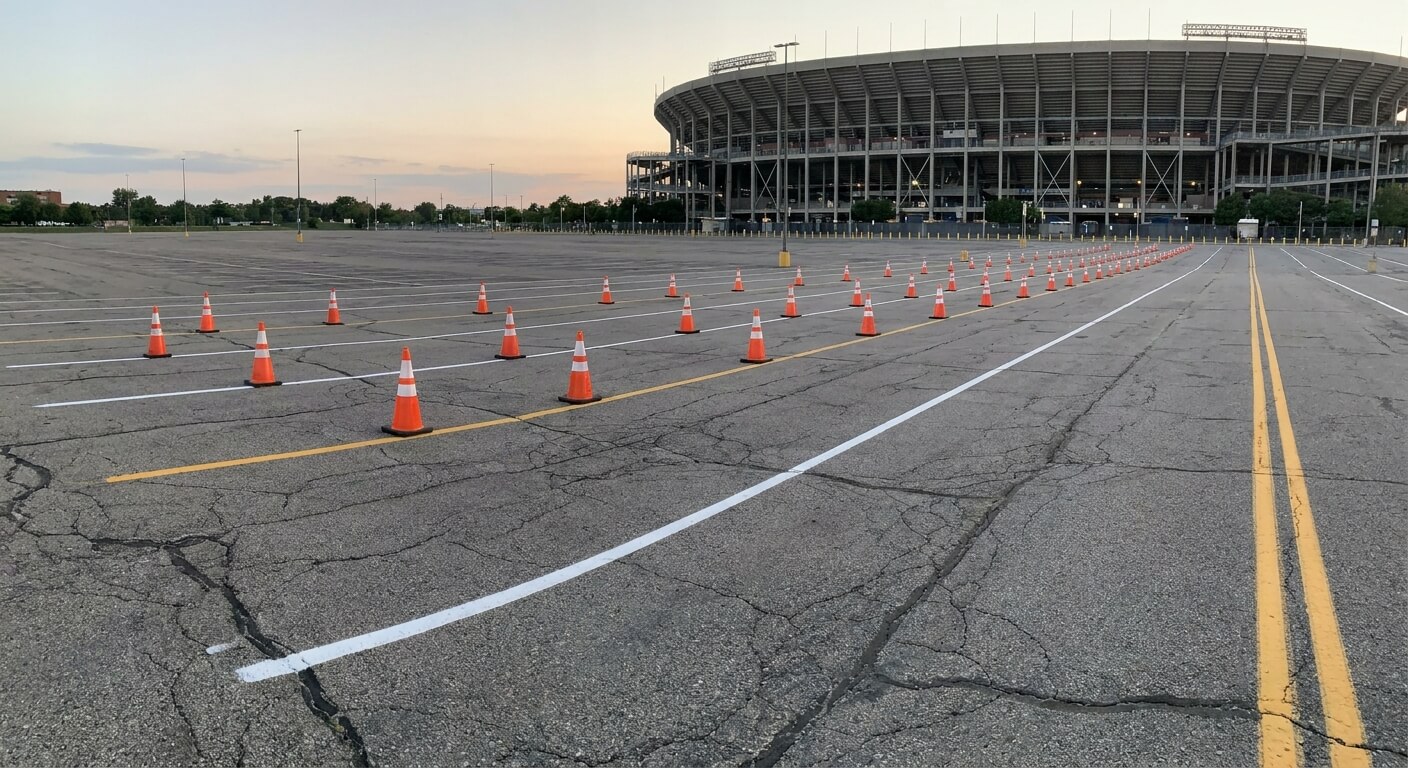
Start from the event itself. Note the opening time, the finish time, and the points where most guests will arrive and leave. Build departures around those peaks and keep a thinner base schedule in between.
Group the departures into waves. An arrival wave, a midday wave, and a departure wave are easier to manage than one long list. Each wave can have its own frequency and its own buffer for delays.
Decide your buffer in advance. A buffer is time between departures that absorbs a late bus. Without it, one slow trip pushes every later trip back, and the whole day slips.
If a company runs a shuttle every 20 minutes in a wave, a single bus that is ten minutes late affects the next several departures. Event shuttle scheduling software should show that chain at a glance. The number is only an example.
Keep a list of the information the event guest needs. Pickup point, first and last departure, and how to find your seat are the basics. Anything else, such as ticket prices or capacity, should come from your own records and not from guesswork.
Changing The Schedule When The Day Goes Wrong
Things will change. A bus may break down, a gate may open late, or a sudden crowd may need an extra run. The test of event shuttle scheduling software is how fast you can change the plan and how reliably the change reaches everyone.
UBT’s site describes this exact situation: need to cancel a busline, or move it an hour later due to mechanical issues? It states that UBT allows you to move your schedule around. For the longer story, see how to change a bus schedule last minute.
Ask three questions of any system. Can one change move a whole departure, rather than editing each booking? Does the new time show up on every sales channel at once? And who sees the change first, the dispatcher or the customer?
The second question matters because event tickets are often sold in several places. UBT states that its shared APIs sync instantaneously across all sales channels, including third party websites, which is the property that stops stale times from staying on one site.
Tell passengers quickly. A moved departure with no message creates a crowd at the wrong stop. Our article on how to notify passengers of a bus delay explains how to word it.
Assign roles before the day starts. One dispatcher owns the schedule, one person owns passenger messages, and one person watches the pickup point. When several people can change the plan, changes collide and nobody knows which version is current.
Run a short rehearsal. Walk through a delay, a cancelled departure, and an added run on paper or in a test setup. The first time you try a change should never be with a crowd waiting.
Plan the last departure with care. The final shuttle of the night is the one guests worry about, so confirm its time early and repeat it everywhere you publish a schedule. A missed last shuttle creates the loudest complaints of the day.
Keep one master schedule. Printed sheets, radio notes, and private chats all become wrong the moment a change is made. Event shuttle scheduling software earns its place by being the single version that every other view is drawn from.
Think about the drivers as well. A schedule that changes in the office must reach the person behind the wheel quickly and clearly. Decide how drivers are told, and confirm they received it before the new time takes effect.
Finally, think about the quiet hours. Between waves, buses can rest, refuel, or be swapped. Event shuttle scheduling software should let you mark those gaps so nobody mistakes a planned pause for a missing bus.
Track Departures While They Run
A schedule is a plan, and tracking is how you see whether the plan is holding. UBT describes real time fleet tracking for passengers and management, so the dispatcher and the guest see the same picture. Read real time bus tracking for passengers and dispatchers for the operational detail.
On event day, the dispatcher should be able to answer one question without calling anyone: where is each shuttle in its loop? If the answer depends on a radio call, the system is not doing its job.
Use that view to rebalance during the day. If one pickup point is filling faster than expected, you can decide whether to add a run, and that decision belongs to you. Do not promise extra runs to customers before you have confirmed the vehicle and driver.
After the event, keep the record. Which waves ran late, which departures ran empty, and where the schedule needed changes all become inputs for next year. Our guide on bus route performance review shows a way to read those results.
Choosing Event Shuttle Scheduling Software
When you compare tools, bring your own messy event day. Ask the vendor to show how they would move a departure, cancel one, and add one, all while sales are still open. A clean demo of a normal day tells you very little.
Check how the tool fits with the sale itself. Scheduling that is separate from ticketing means a second place to update. Our article on the event shuttle booking system covers the sales side.
Ask what you can see without exporting anything. Real-time reporting, which UBT lists alongside point of sale, ticket validation, and inventory control, lets you read how a wave is selling while it still can be changed.
Finally, ask about the start. UBT states that it provides Technology as a Service and that it is free with no obligations at all if you do not like it. Trial length and pricing are not published, so ask UBT directly.
If you run event shuttles and want to see how a last-minute change would work on your own schedule, request a walkthrough from United Bus Tech and bring a real event timetable.