
Real time bus tracking for passengers and dispatchers usually gets built as two separate features: a map for the dispatch desk and a “where’s my bus” link for riders. Most vendor pitches only show the dispatch side, because that is the part that looks impressive in a demo.
The gap that gets missed is what happens when only one side has visibility. A dispatcher can watch a delayed coach crawl through traffic in real time on a console.
But if the passengers waiting at the next stop cannot see that same picture, every one of them is a potential phone call to your office asking where the bus is.
This post looks at real time bus tracking for passengers and dispatchers as one connected system, not two separate tools, and walks through what changes operationally when both sides are looking at the same data at the same time.
What Real Time Bus Tracking for Passengers and Dispatchers Actually Means
UBT’s platform includes real time fleet tracking for passengers and management, which means the same location feed powers both the dispatch console and whatever a rider checks before heading to the stop. It is one data source shown two different ways, not two systems that happen to agree.
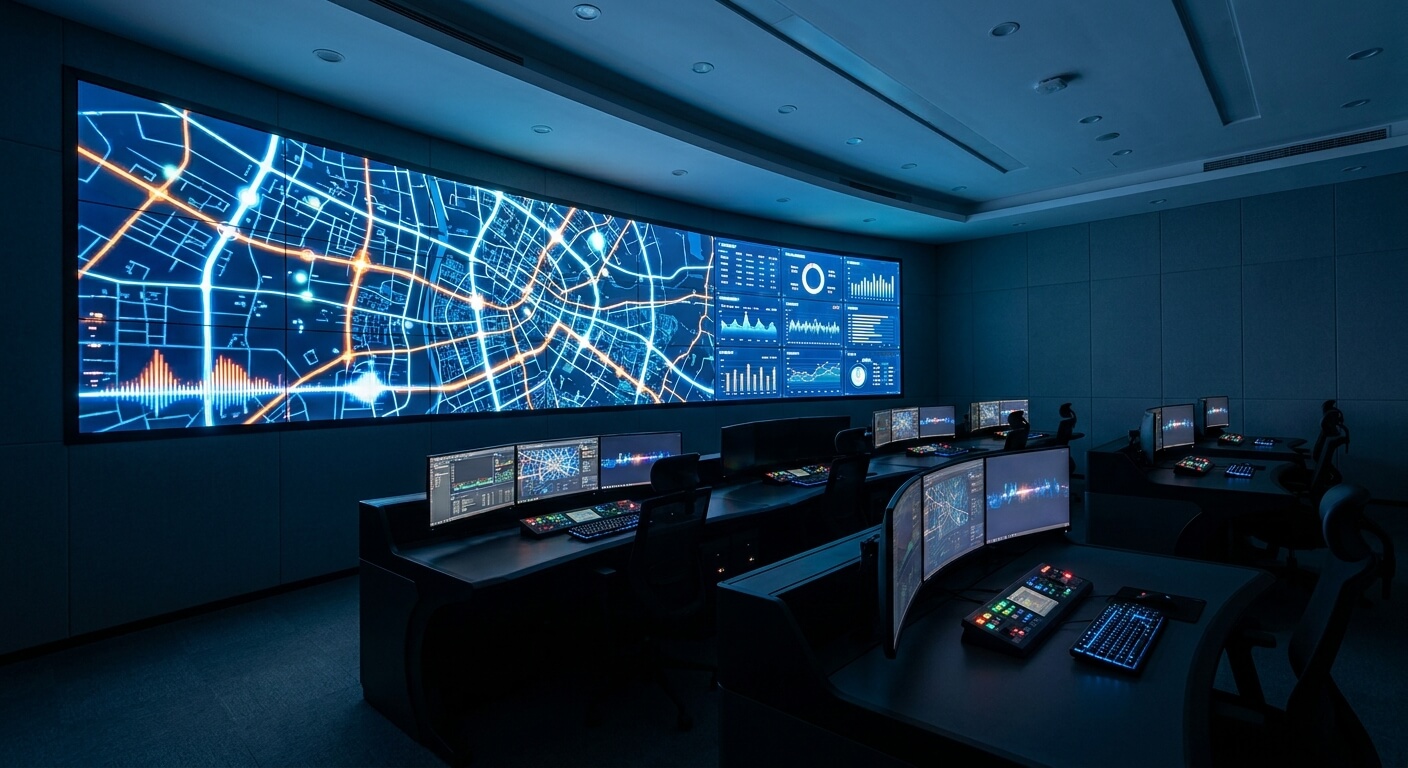
On the dispatcher side, that feed is what a scheduler watches when deciding whether a connecting service needs to hold a few extra minutes, or whether a delay is bad enough to trigger a driver call.
On the passenger side, the same feed is paired with automated SMS boarding reminders and ETA tracking, so a rider gets a nudge before the bus arrives instead of guessing.
Treated as one system, tracking stops being a dispatcher convenience and becomes something that changes how many people call your office on a delayed morning.
The Dispatcher Side: What Changes When Passengers Can Already See the Map
A dispatcher’s job does not get smaller when passengers have their own tracking view. If anything, the map on the dispatch desk becomes more valuable, because it is now the source everyone else’s information traces back to.
Where the job does get lighter is the phone. A dispatcher who used to field “where is the bus” calls throughout a delay can instead point to the fact that riders already have that answer in front of them, because it comes from the same feed the dispatcher is watching.
That matters most during a mechanical delay or a last-minute schedule change. If a run gets pushed back an hour, real time tracking on the passenger side reflects that immediately, instead of a rider showing up on the old schedule and finding an empty stop.
For the workflow of actually pushing that kind of change out once a delay is confirmed, our walkthrough on changing a bus schedule at the last minute covers the steps from the first call to the update reaching riders.
The Passenger Side: Why “Where’s My Bus” Is a Support Cost, Not a Nice-to-Have
Most passenger-facing content about bus tracking treats it as a convenience feature, something that makes the app feel modern. From an operator’s side, it is better understood as a way to move a specific cost off your support line.
Consider a hypothetical: if an operator runs 20 departures a day and even a handful run late on an average week, every one of those delays is a moment where a passenger either checks a tracking view or picks up the phone.
The tracking view costs nothing extra to serve. The phone call is not free, once you count the agent’s time spent on every one of those calls during a delay.
Automated SMS boarding reminders extend that same logic past the tracking screen. A passenger who gets a text when the bus is a few minutes out does not need to stand at the stop staring at a map, and does not need to call ahead to ask if they still have time to grab coffee first.
ETA tracking closes the loop for anyone connecting to another service, whether that is a second bus, a rideshare, or someone picking them up at the curb.
A passenger who can see a real ETA plans around it. A passenger with no visibility just shows up early and waits, or shows up late and misses the connection entirely.

Why Most Ticketing Vendors Only Build Half of This
It is worth asking, when evaluating a system, whether tracking is built as one shared feed or as two separate features that happen to sit in the same product. The difference does not show up in a sales demo, but it shows up the first time the two sides disagree.
If a dispatcher’s console and a rider’s tracking link pull from different data paths, they can drift out of sync during exactly the moments that matter most, like a mechanical delay or a detour.
That is when a rider sees one ETA and a dispatcher sees another, and neither view is fully wrong, just out of date relative to each other.
A single shared feed avoids that by design, because there is only one version of “where the bus is” for both sides to look at. It is a simpler architecture, and it is also the one that holds up on a bad day instead of just a normal one.
Real Time Bus Tracking for Passengers and Dispatchers Inside a Bigger Ticketing Setup
Tracking does not sit on its own. It connects to the same inventory and reporting data that runs the rest of a ticketing platform, which is part of why treating it as an isolated feature undersells what it can do.
If your evaluation is broader than tracking alone, our rundown of what a bus POS should actually include covers the other three pieces, point-of-sale, validation, and inventory, that a real-time system needs to tie together.
And if the bigger concern is keeping sales in sync across a website, a counter, and a third-party channel while all of that is happening, our guide to multi channel bus ticket sales walks through the same shared-data problem from the inventory side.
The pattern across all three is the same: a system built on one shared feed behaves consistently under pressure, while a system stitched together from separate tools tends to show its seams exactly when a delay, a schedule change, or a busy sales day puts it under load.
What to Ask a Vendor About Real Time Bus Tracking for Passengers and Dispatchers
Ask directly whether the passenger-facing tracking view and the dispatcher console read from the same location feed, or from two separate systems that sync on a delay. That delay is exactly where the two views start to disagree.
Ask whether boarding reminders and ETA updates are tied to that live feed automatically, or whether they run on a fixed schedule regardless of where the bus actually is. A reminder sent at a fixed time is not the same thing as a reminder sent when the bus is genuinely close.
Ask, too, how the system behaves during a real delay or a mechanical issue, not just during a normal run. A tracking feature that only works when everything is on time is not the feature you actually need it for.
Real time bus tracking for passengers and dispatchers is one of the few features where the same data genuinely serves two different audiences at once.
Built as a single shared feed, it turns a delay from a wave of phone calls into something riders can just watch on their own, and dispatchers can rely on it too.
Request a walkthrough of real time bus tracking built on one shared feed for both your dispatch desk and your passengers, and see how it compares to whatever is splitting that data today.